
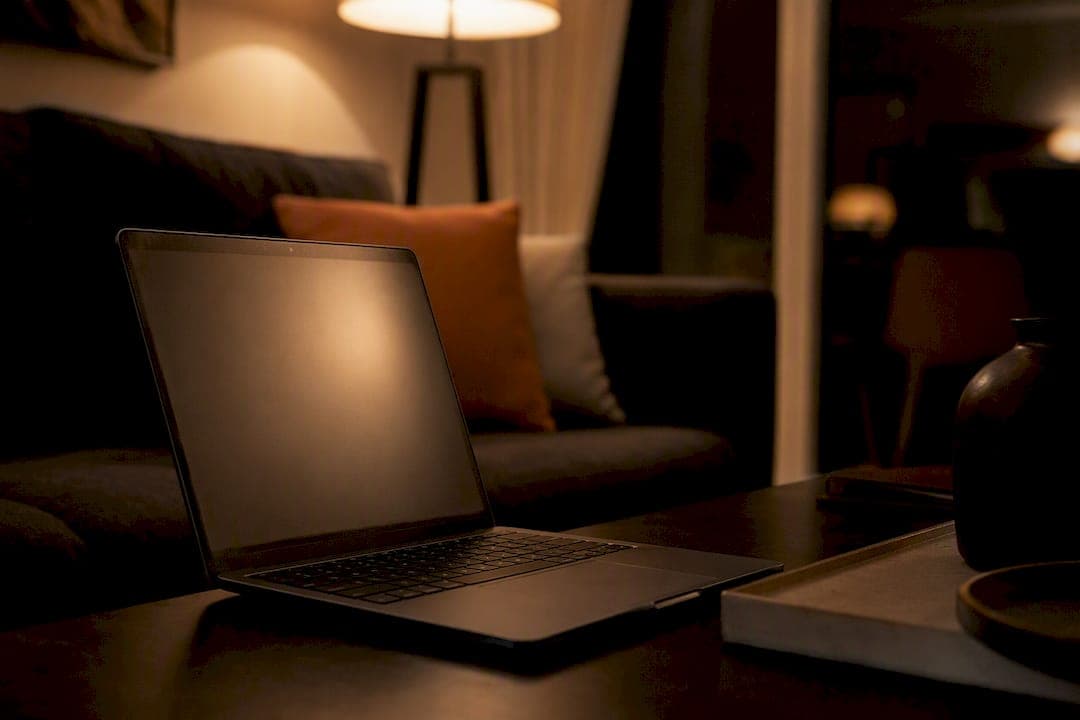
Anti glare blue light software is a display-level filter for Mac and Windows that lowers the amount of short-wavelength light your screen emits. The immediate fix is simple: turn on a scheduled filter that starts warming your display two to three hours before bedtime. Built-in tools like Night Shift and Night Light work as a starting point, but Luminafilter gives you adjustable strength and real-time control that goes further.
TL;DR:
- Blue light filters targeting the 400 to 500 nanometer range are most effective at reducing circadian disruption and improving sleep timing.
- Setting filters to start 2 to 3 hours before bedtime with moderate warmth levels yields better results than aggressive or poorly timed adjustments.
- Device and room lighting conditions, along with user habits, significantly influence the real-world effectiveness of blue light filtering.
- Adjustable filters validated by spectrometry, like Luminafilter, offer more precise control and verified reductions in short-wavelength light.
- Combining screen filters with warm ambient lighting and healthy evening habits enhances the benefits and subjective comfort during nighttime screen use.
Table of Contents
- How Do Software Filters Reduce Anti Glare Blue Light?
- What Can These Filters Actually Do for Sleep and Eye Comfort?
- How Do You Set Up a Blue Light Filter for Evening Use?
- Do Room Lighting and Habits Make a Difference Too?
- What Makes Luminafilter's Approach Different?
- Does Filtering Blue Light Actually Change Anything for Real Users?
- Why Software Filters Deserve More Credit Than They Get
- Ready to Try a Smarter Blue Light Filter?
- Sources
How Do Software Filters Reduce Anti Glare Blue Light?
Software filters work by shifting your screen's color temperature and reducing intensity in the light range your eyes and brain respond to most. When you set a filter to "warm," the software cuts back the blue and green channels in your display's RGB output and boosts red and amber tones. That's the technical version of what you feel as a softer, less harsh screen in the evening.
Three techniques do most of the work:
- Color-temperature adjustment: shifting the RGB balance to reduce blue-heavy output, measured in Kelvin (lower numbers mean warmer light).
- Intensity control: dimming brightness through pulse-width modulation (PWM) or direct backlight scaling, which lowers total light output without distorting color as much.
- Metamerism-based filtering: adjusting the spectral makeup of the display so it looks similar to the eye while emitting less light in the wavelengths that matter for circadian signaling.
Some filters now build on a more advanced concept called circadian lighting, which times color and intensity shifts to match your body's natural light exposure patterns rather than a flat evening/day toggle. Academic reviews of display-based blue-light mitigation categorize these four approaches, color temperature, PWM dimming, metamerism, and circadian lighting, as the primary software-side tools available today.
The band that matters most sits between roughly 400 and 500 nanometers. This is the short-wavelength range that most strongly stimulates melanopsin, the photopigment in your retina that signals "daytime" to your brain's circadian clock. Filters aimed at reducing this specific range, rather than just making the screen look orange, tend to do more for sleep timing than a cosmetic warm tint alone.
What Can These Filters Actually Do for Sleep and Eye Comfort?
Evening exposure to short-wavelength light suppresses melatonin and can shift your sleep timing later, a pattern documented across multiple reviews of blue light and circadian health. That's the physiological reason evening screen use before bed tends to make falling asleep harder for a lot of people.
Software filters address part of this problem, not all of it. Here's the honest breakdown:
- What they help with: reduced short-wavelength output during evening hours, subjective comfort improvements, less perceived glare on bright displays.
- What they don't fully solve: complete spectral removal isn't possible without distorting color significantly, and device panels vary enough that the same setting produces different real-world output on different screens.
- What matters more than color alone: some research on melanopic excitation and color shifts found that shifting color along the blue-yellow axis without reducing overall melanopic radiance may not change circadian outcomes much. The target isn't just "less blue," it's less total stimulation of that specific photoreceptor pathway.
A systematic review of blue-light exposure and sleep outcomes found generally positive but mixed results across studies, meaning filters help many people, but results vary based on how strong the filter is, how long you're exposed, and individual sensitivity. If you're dealing with serious sleep disruption, pair a filter with other measures like fixed bedtimes and reduced screen time before sleep rather than treating it as a standalone fix.
How Do You Set Up a Blue Light Filter for Evening Use?
Getting the timing right matters more than picking the "strongest" setting. A filter that's too aggressive too early just makes your screen look orange without adding sleep benefit; one that starts too late doesn't give your circadian system enough runway.
- Set your schedule to begin 2 to 3 hours before bedtime. If you go to sleep at 11 PM, start warming by 8 or 8:30 PM. Sunset-based auto-sync, when available, adjusts this automatically as daylight hours shift through the year.
- Start at a moderate strength preset, roughly in the 3000K to 4000K range, and adjust from there. Going straight to the warmest setting (around 2200K to 2700K) can feel jarring if you're not used to it.
- Set exceptions for color-critical work. Photo editing, video color grading, and design work need accurate color, so build in a way to temporarily disable or reduce the filter for those apps.
- Check multi-monitor consistency. Mismatched warmth across two screens is more distracting than no filter at all, so confirm both displays are running the same schedule and strength.
- Watch for brightness or flicker issues. If a filter relies heavily on PWM dimming and you notice eye fatigue that wasn't there before, try a version that uses direct backlight scaling instead.
Pro Tip: Run a quick two-minute test: switch your filter on and off while looking at a plain white document. If the "on" version feels calmer without making text hard to read, you've found a workable baseline strength.
For platform-specific walkthroughs, Luminafilter maintains dedicated setup guides for Windows and Mac, including how to configure per-app exceptions.
Do Room Lighting and Habits Make a Difference Too?
A screen filter working against a pitch-black room fights an uphill battle. The contrast between a warm screen and a dark room actually increases eye strain, because your pupils keep readjusting to the brightness gap.
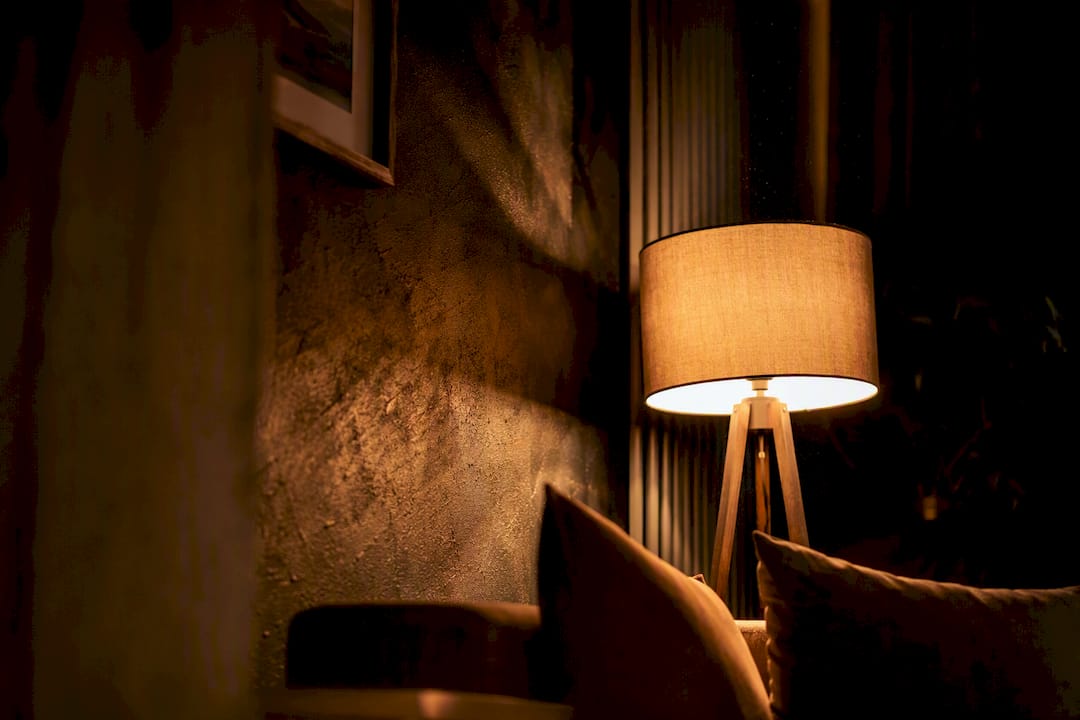
Lab research on desktop lighting found that people reported better comfort with warm light around 3000K and higher intensity (roughly 1500 lux) compared to dim or cold-toned ambient desk lighting. That means your lamp choice matters almost as much as your screen settings.
A few habits stack the benefits:
- Keep a warm desk lamp on during evening screen use instead of working in the dark.
- Follow the 20-20-20 rule: every 20 minutes, look at something 20 feet away for 20 seconds.
- Match your screen brightness to the room. A blazing-bright display in a dim room strains your eyes regardless of color temperature.
Pro Tip: If your eyes feel tired by 9 PM even with a filter running, check your room lighting before assuming the filter needs adjusting. Often the lamp, not the screen, is the missing piece.
What Makes Luminafilter's Approach Different?
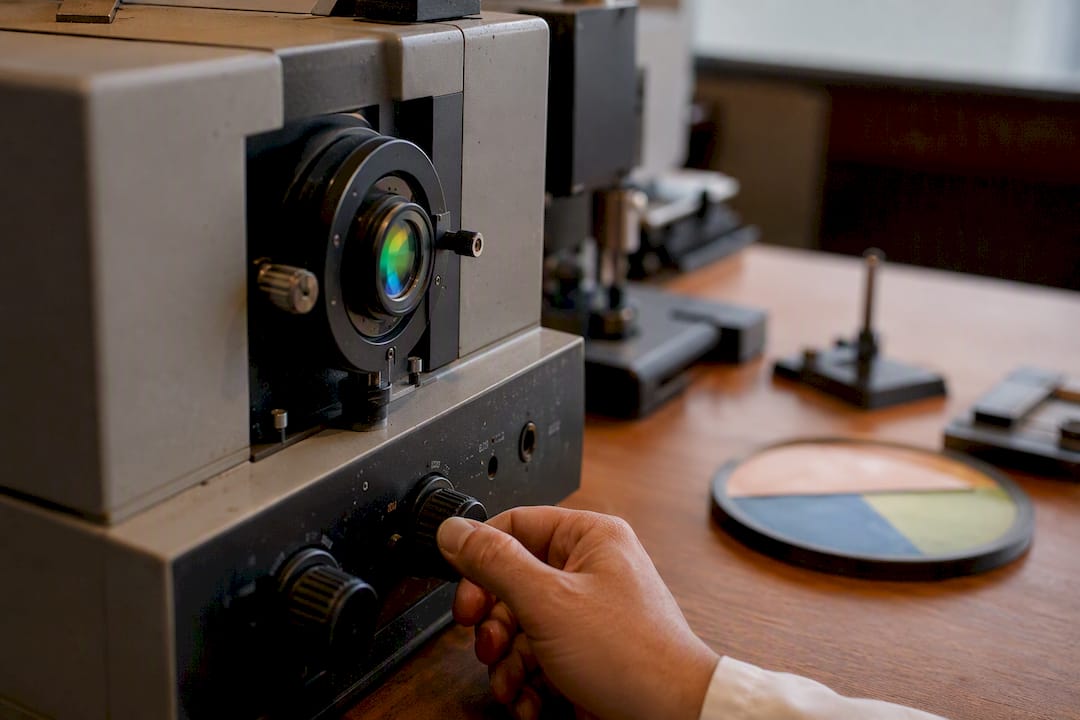
Most built-in tools shift color temperature on a fixed schedule and stop there. Luminafilter operates at the display level with adjustable strength you control in real time, tested with spectrometry to confirm it actually reduces short-wavelength output rather than just tinting the screen orange.
That spectrometer-backed testing matters because it verifies the filter is doing what it claims at the light-wavelength level, not just changing how the screen looks to the eye. The feature set reflects that focus on precision:
- Adjustable warmth levels you can fine-tune rather than a single on/off toggle.
- Auto circadian sync that follows sunset and sunrise times automatically.
- Per-app exceptions for color-critical work like photo editing or design.
- Multi-monitor support so warmth settings stay consistent across displays.
- A 7-day free trial to test settings before committing to a plan.
Full technical background on the research behind the approach lives on the Luminafilter science page, including how the testing methodology connects to the broader research on blue light and circadian health.
Does Filtering Blue Light Actually Change Anything for Real Users?
The honest answer depends on what you're measuring. People who switch from no filter to a scheduled, moderate-strength filter tend to report two things consistently: less eye fatigue by the end of a work session, and an easier time winding down before bed.
Consumer-facing summaries of screen-warming apps note that most users report improved subjective comfort even when the underlying scientific evidence on sleep timing is mixed. That gap between "feels better" and "measurably changes sleep architecture" is worth understanding. A filter reducing glare and harsh contrast during a four-hour evening work session is a comfort win you'll notice immediately. A filter shifting your melatonin timing by twenty minutes is a physiological effect you won't feel directly, but it compounds over weeks.
The most useful way to judge effectiveness isn't a single dramatic before-and-after. It's a two-week trial: run a consistent schedule, keep your room lighting steady, and pay attention to how quickly you feel ready for sleep compared to your baseline. Some people notice a difference within days. Others need to adjust strength or timing before it clicks. Either way, adjustable software gives you room to experiment, which is exactly what a one-size-fits-all built-in toggle doesn't offer.
Why Software Filters Deserve More Credit Than They Get
The conventional advice on blue light gets one thing backwards: it treats color temperature as the whole story. It isn't. The research on melanopic excitation makes a sharper point than most guides admit, reducing total light stimulation in the 400 to 500 nanometer range matters more than making your screen look orange. A filter that shifts color without cutting intensity is doing less than it appears to.
What's overrated is the idea that any single fix, filter or otherwise, solves screen-related sleep problems on its own. What's underrated is pairing a properly scheduled filter with warm ambient lighting, since the two together consistently outperform either alone in the comfort research.
If you take one thing from this guide, prioritize the schedule before the strength. A moderate filter starting three hours before bed will do more for you than an aggressive filter switched on five minutes before you close your laptop. Precision in timing beats intensity in most real-world cases.
— Dave
Ready to Try a Smarter Blue Light Filter?
Built-in tools like Night Shift and Night Light are a reasonable starting point, but they run on fixed schedules with limited strength control. If you've noticed your eyes still feel tired by evening, or you want warmth that actually adjusts to your environment instead of a single toggle, that's the gap Luminafilter is built to close with adjustable, real-time control at the display level.
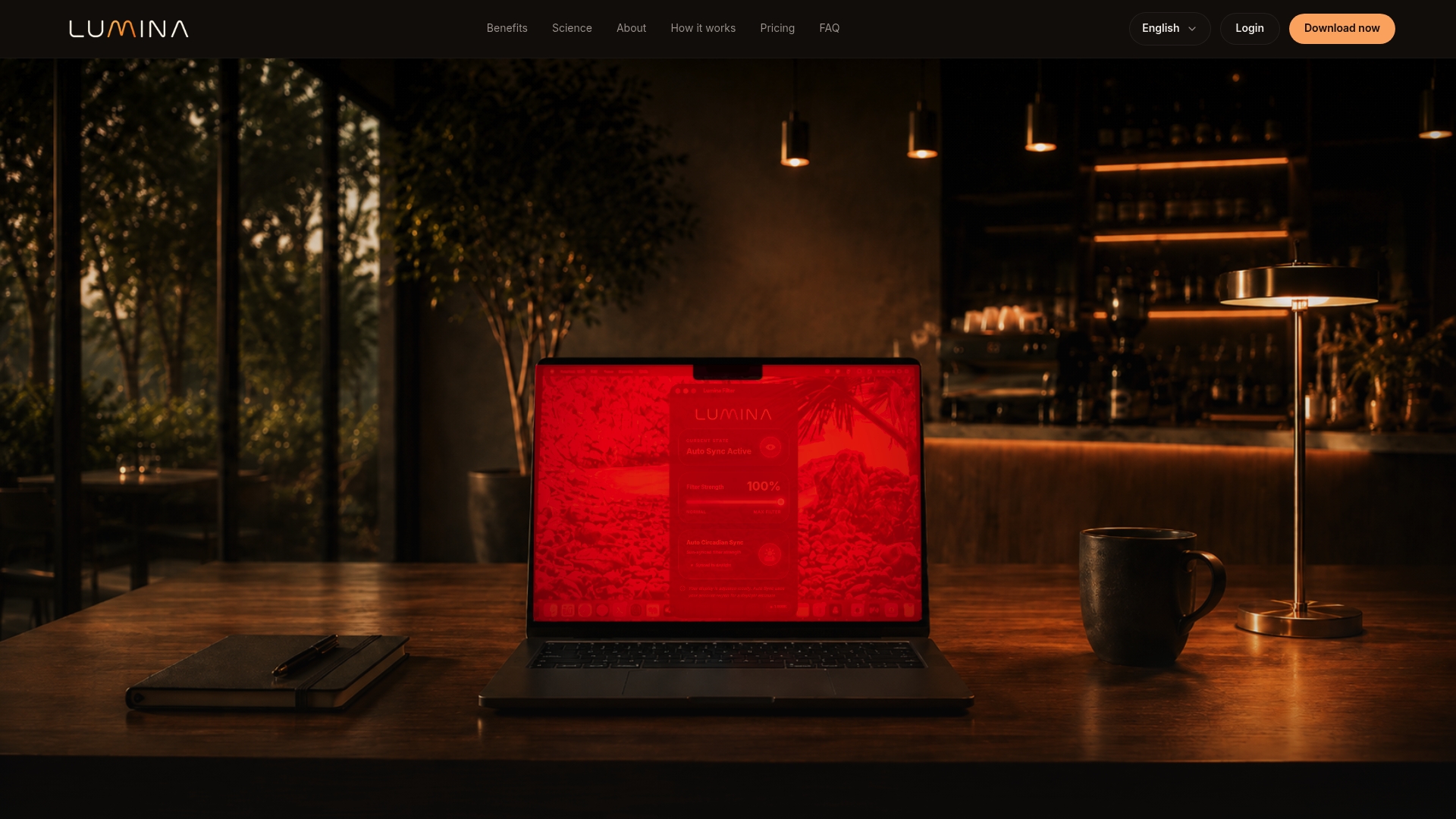
Starting is straightforward: Luminafilter offers a 7-day free trial on both Mac and Windows, no credit card gymnastics required to see how it feels. During the trial, you get full access to adjustable warmth levels, auto circadian sync, and per-app exceptions, so you can test a real evening schedule before choosing a monthly, quarterly, or annual plan. Head to Luminafilter's product page to start your trial and set up your first evening schedule tonight.
Sources
- Mitigating Blue-Light Risk in Display-Based Digital Therapeutics — PMC
- Blue light, circadian clocks and health — PubMed
- Systematic review on blue light exposure and sleep/performance — Frontiers in Physiology (2022)